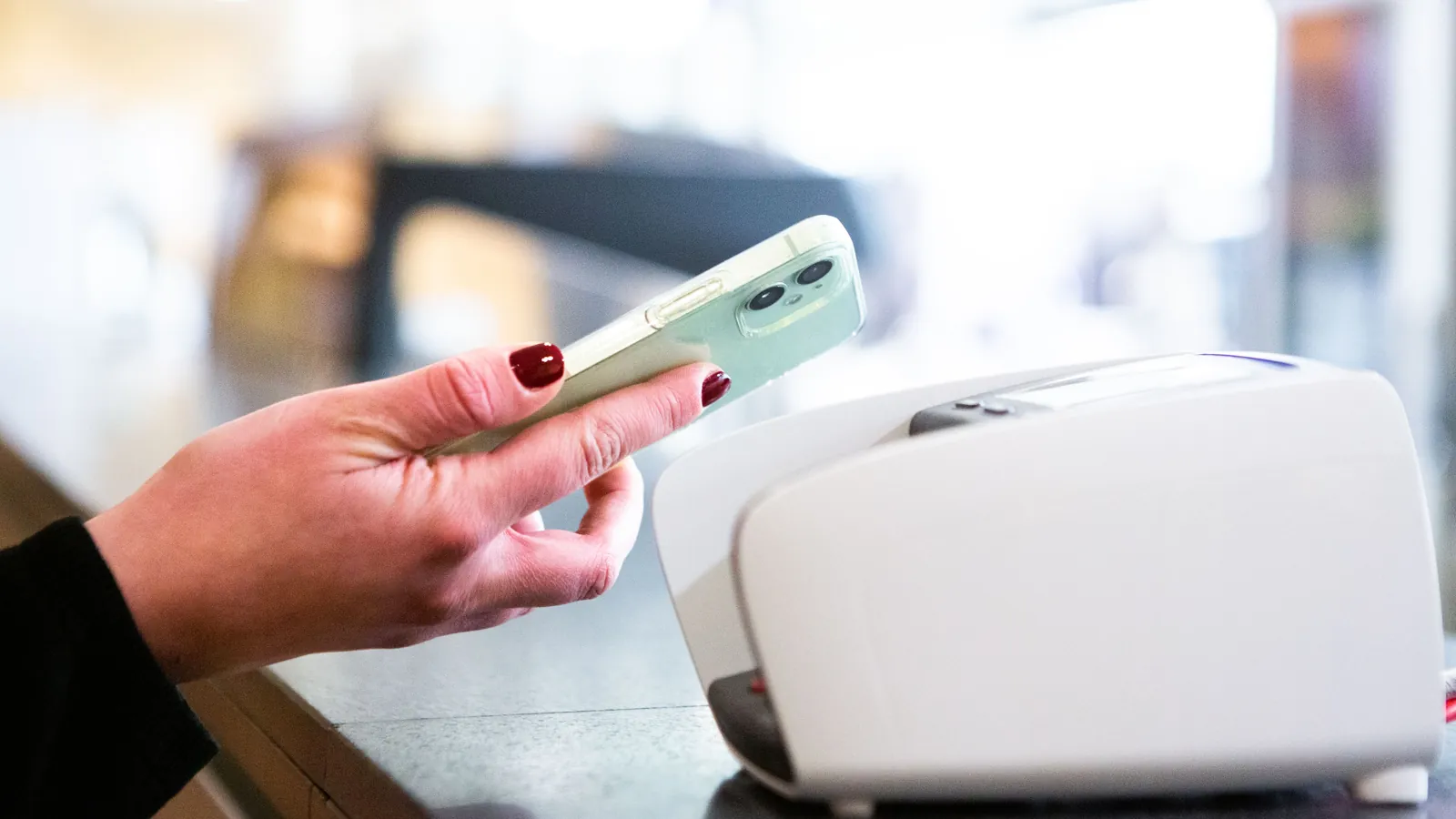
Apple Cash makes sending a money gift on iPhone, iPad or Apple Watch as quick as sending a text message. Once enabled in Apple Wallet, the balance works immediately with Apple Pay in stores, online and in apps, or can be transferred to a linked bank account.
At a glance
| Type | Digital payment card inside Apple Wallet |
|---|---|
| Country | United States |
| What the recipient gets | Balance on their Apple Cash card |
| How they use it | Tap to pay with Apple Pay, shop online, send to friends or transfer to a bank |
| Cost to send | Free from Apple Cash balance or US debit card |
| Family support | Apple Cash Family allows parents to set up managed accounts for kids and teens |
How to send an Apple Cash gift
- Open Messages on your iPhone or iPad and start or open a conversation with the recipient.
- Tap the + button next to the message field and select Apple Cash.
- Enter the gift amount, tap Send, and add a birthday or occasion note.
- Confirm with Face ID, Touch ID or your passcode.
You can also send money in person using Tap to Cash by holding two iPhones close together, or review setup details on Apple Cash Support.
Apple Cash vs. Apple Gift Card
Although both carry the Apple name, they serve two different purposes:
- Apple Cash is everyday spending money stored in Apple Wallet. The recipient can spend it at grocery stores, restaurants and online retailers anywhere Apple Pay works, or move it to their bank account.
- Apple Gift Card is closed-loop store credit redeemable only toward Apple hardware, accessories, apps, games, music, iCloud+ and other Apple services.
Choose Apple Cash when you want the recipient to spend the gift anywhere, and choose an Apple Gift Card when you specifically want to cover an App Store purchase, subscription or new Apple device.
What the recipient can do with it
- Tap their iPhone or Apple Watch at any contactless terminal that accepts Apple Pay.
- Check out online or inside apps using Apple Pay.
- Transfer the balance to a linked US bank account: standard transfers are free and take one to three business days, while instant transfers to an eligible debit card carry a small percentage fee.
When it is the right gift
- A quick birthday, graduation or holiday gift for a friend or family member in the US who uses an iPhone.
- Helping a student or teen with everyday expenses via Apple Cash Family.
- Splitting dinner or a group present in seconds without downloading another app.
See sending money as a gift to compare Apple Cash side by side with Cash App, Venmo, PayPal and Monzo.
Brand note
Apple, Apple Cash, Apple Pay and Apple Wallet are trademarks of Apple Inc. This page is an independent guide explaining how gifting with Apple Cash works. Apple does not sponsor or endorse this site. Confirm current eligibility, fees and limits in Apple Wallet before sending.
Questions readers ask
Does the recipient need an iPhone to receive Apple Cash?
Yes. Both sender and recipient need an eligible Apple device with Apple Cash set up in the United States.
Does it cost anything to send or receive Apple Cash?
Sending from an Apple Cash balance or a US debit card is free, and receiving money is free. Only instant transfers to an eligible debit card carry a fee.
Can an Apple Gift Card be converted into Apple Cash?
No. Apple Gift Cards redeem only to an Apple Account balance for Apple products and services.
Can I send an Apple Cash gift to a teenager?
Yes. Parents and guardians using Family Sharing can set up Apple Cash Family for children and teens under 18 with spending controls.