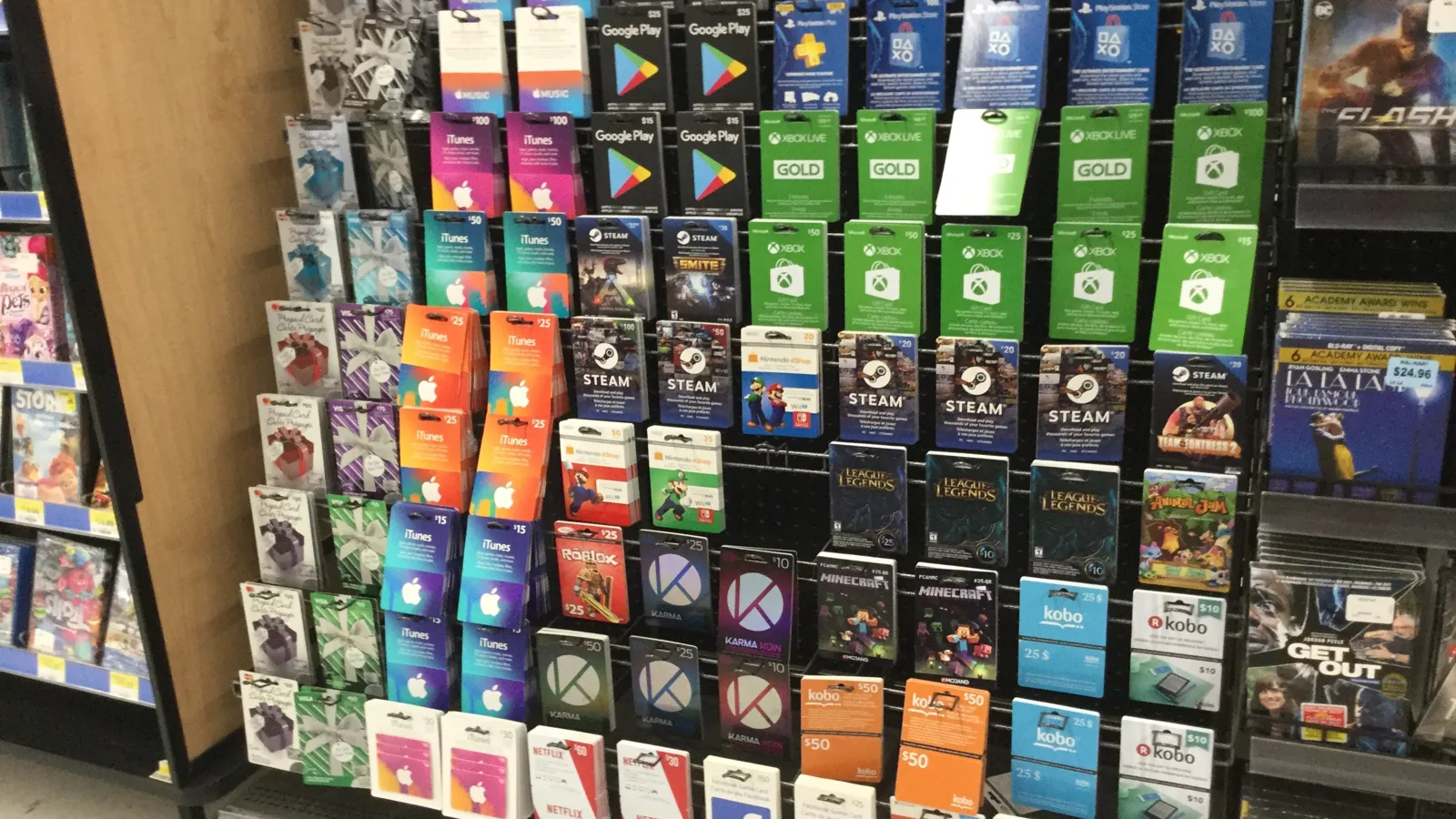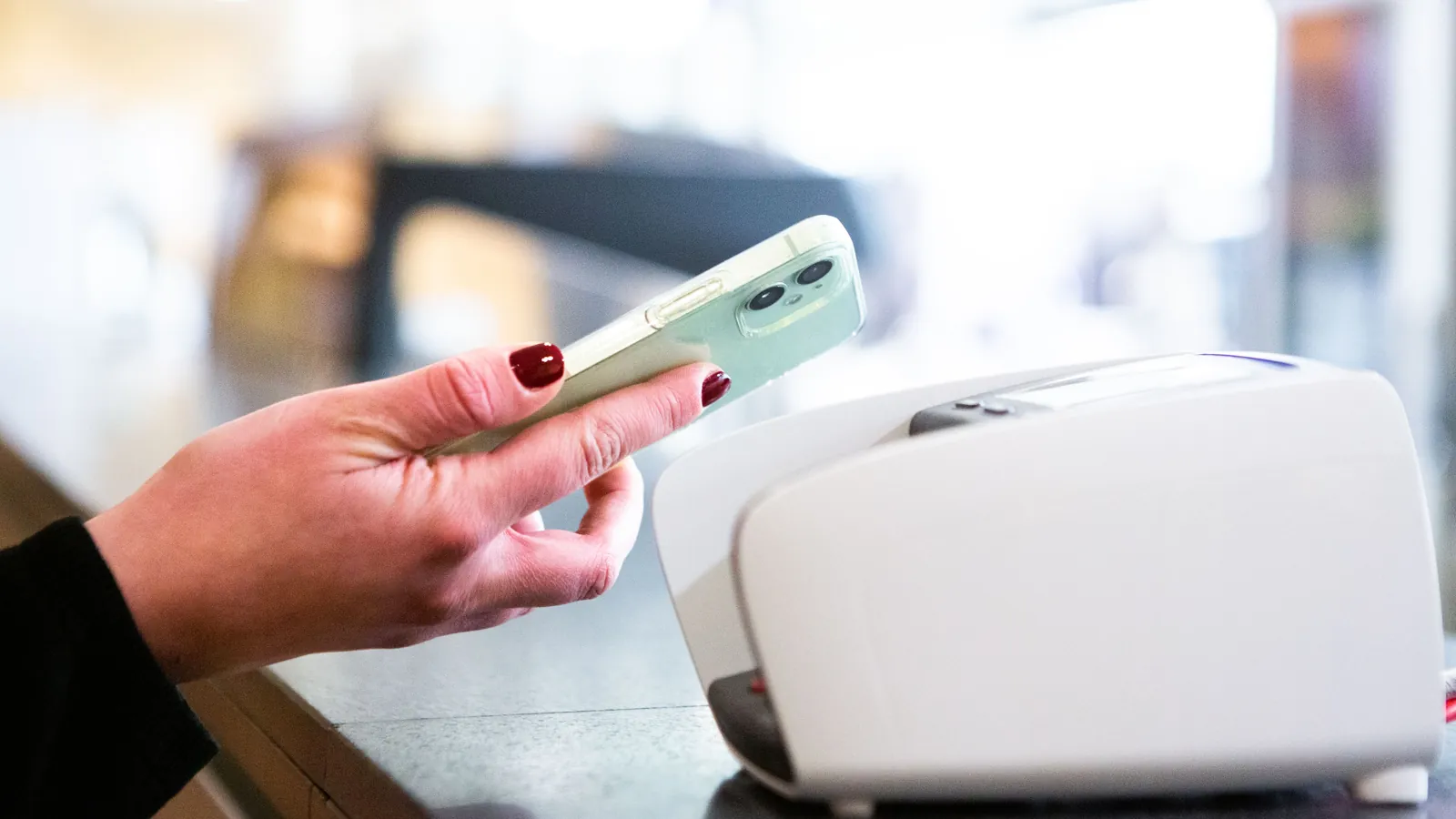
Millions of physical and digital gift cards are bought and redeemed smoothly every day. A handful of simple habits at the till and at home makes sure every card activates properly, stays easy to find, and delivers its full value when you or your recipient are ready to shop.
Choosing a card at the store
When picking a physical card from a retail rack, a ten-second check ensures the card is factory fresh:
- Check the outer sleeve. Packaging should be cleanly sealed with no creases, tears or loose adhesive.
- Check the PIN panel. The scratch-off silver strip on the back should be smooth and completely intact.
- Keep the activation receipt. Staple or photograph the receipt next to the card so you have proof of activation if you ever need customer support.
- Consider an eGift card directly from the retailer's site when you want instant delivery with no physical handling at all.
Storing balances in your account or phone wallet
The easiest way to look after a gift card you plan to use yourself is to save it digitally as soon as it arrives:
- Redeem to your retailer account. Many major stores let you load a gift card straight into your online account balance so it is ready at checkout and protected even if the plastic card is lost.
- Add to Apple Wallet or Google Wallet. Digital passes keep the barcode handy at the till without digging through emails or drawers.
- Register prepaid network cards. Adding your name and postal code on the issuer's official portal lets Visa or Mastercard gift cards work seamlessly for online orders.
- Save the confirmation email. Create a dedicated folder or photograph the front and back of physical cards so you always have the card number handy.
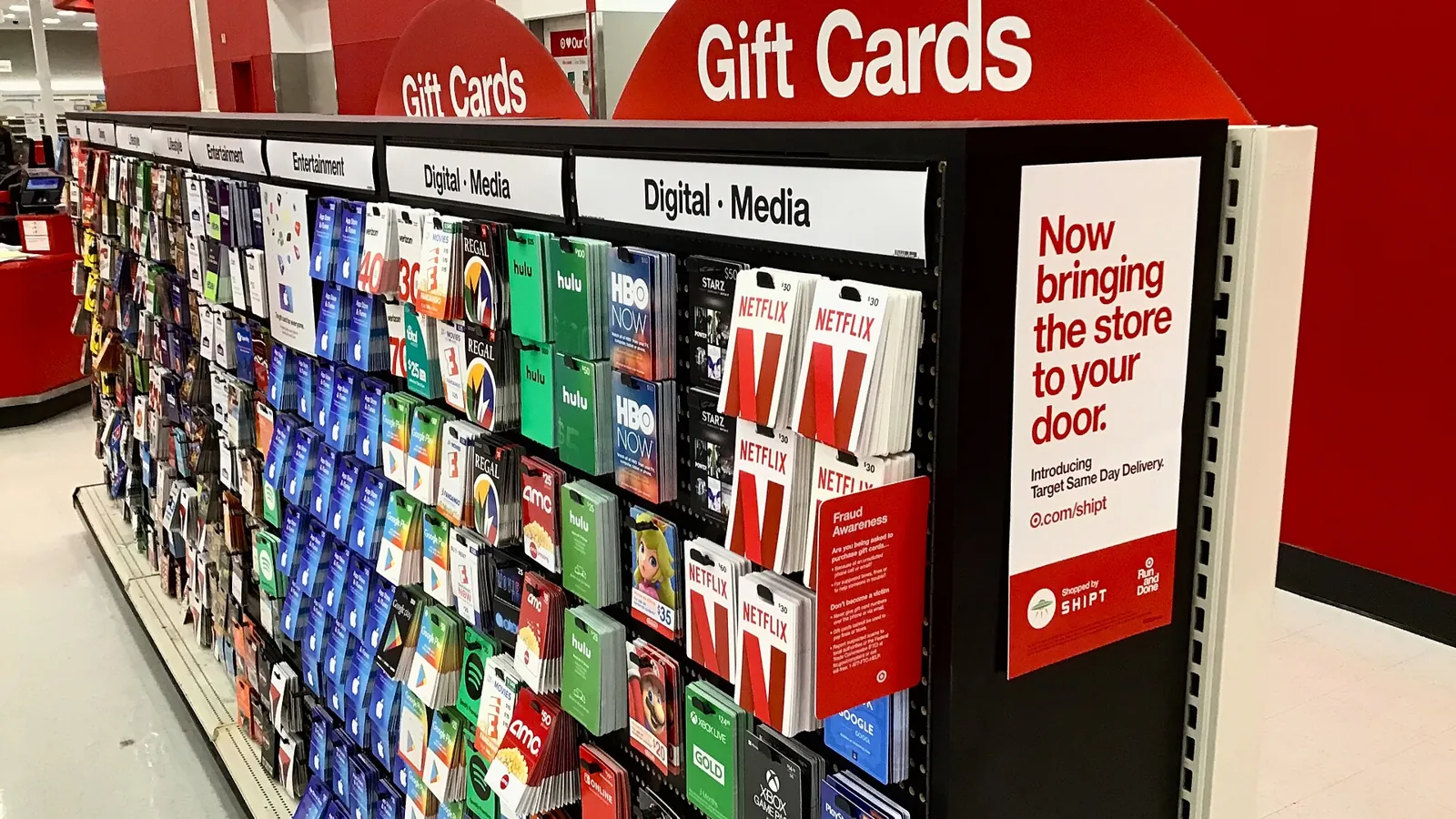
Buying from the retailer directly or an established supermarket keeps activation and support straightforward. Photo: Mike Mozart, CC BY 2.0, via Wikimedia Commons.
Checking your remaining balance
Always check a gift card balance using an official channel provided by the brand:
- the web address printed directly on the back of the card or in your original confirmation email,
- the retailer's official mobile app,
- the customer support number printed on the card,
- a checkout till inside the brand's store.
Keeping balance checks inside the brand's own tools guarantees accurate figures and keeps your card number and PIN private.
Keeping digital money gifts straightforward
Peer-to-peer payment apps such as Apple Cash, Cash App, Venmo and PayPal follow their own simple best practices: send directly inside the official app to someone you know, double-check their username or phone number before confirming, and keep PINs or verification codes strictly private. For official account settings and support, consult Apple Cash Support or the Cash App Help Center, and see our full comparison in sending money as a gift.
Keep gift cards for gifts and everyday shopping. Always buy from established retailers or directly from the brand, and keep card numbers and PINs private until checkout.
What to do if a card will not scan or shows an unexpected balance
If an activation hiccup happens or a card does not ring up at checkout:
- Gather your details: the card itself, the activation receipt or email confirmation, and the date and store of purchase.
- Contact the issuer first using the customer service number on the back of the card. Ask them to check the activation timestamp and transaction log.
- Visit or call the retailer with your activation receipt if the card was not loaded at the register.
- Save your case reference number in writing so follow-up is quick.
Quick care checklist
- Buy from the brand's own website or an established store.
- Check the seal and PIN strip on physical cards and keep the activation receipt.
- Load balances into your retailer account or phone wallet when supported.
- Check remaining balances only through the official website, app or number on the card.
- Spend cards regularly so small remaining balances are never forgotten.
Questions readers ask
Can a lost physical gift card be replaced?
Many issuers can transfer any unspent balance to a replacement card if you still have the original purchase receipt and card number, which is why keeping a photo of both is so helpful.
Are digital gift cards easier to manage than physical ones?
Yes. Digital cards arrive by email or inside the brand's app, cannot be damaged in transit, and can be added to a phone wallet in seconds.
Should I register a prepaid Visa or Mastercard gift card?
Yes. Registering your name and postal code on the issuer's official portal lets you use the card smoothly at online checkouts that verify billing addresses.
Is it good practice to buy a gift card with a credit card?
Yes. Paying by card creates a clear digital receipt on your statement alongside the store's activation slip.