People often search for a "Cash App gift card" expecting something like a store card. Cash App works differently. It is an app for sending, receiving and spending money, run by Block, Inc. A present through Cash App is a payment: the amount lands in the recipient's balance and is theirs to use anywhere.
At a glance
| Type | Payment app |
|---|---|
| Countries | United States and United Kingdom; payments stay within one country |
| What the recipient gets | A balance in their Cash App |
| How they use it | Spend with the Cash App card, keep it, or move it to a bank account |
| Cost to send | Free from balance, bank or debit card; a fee from a credit card |
| Who can use it | Adults; teenagers with a parent's or guardian's approval in the US |
How to send a money gift
- Ask the recipient for their $cashtag, the username that starts with a dollar sign. Have them send it to you, or scan their code in person.
- In the app, enter the amount and their $cashtag.
- Add a note saying what it is for.
- Check the name and photo on the confirmation screen.
- Send. The money normally arrives at once.
A payment to the wrong $cashtag is difficult to undo. For a larger amount, send a dollar first and ask them to confirm.
What the recipient can do with it
- Spend it using the Cash App card, in shops and online.
- Leave it in the balance.
- Move it to a linked bank account. Standard transfers are free and take a few working days; instant transfers carry a small fee.
A new or unverified account has limits on what it can receive in a period. If the recipient has not verified their identity in the app, a large present may be held until they do.

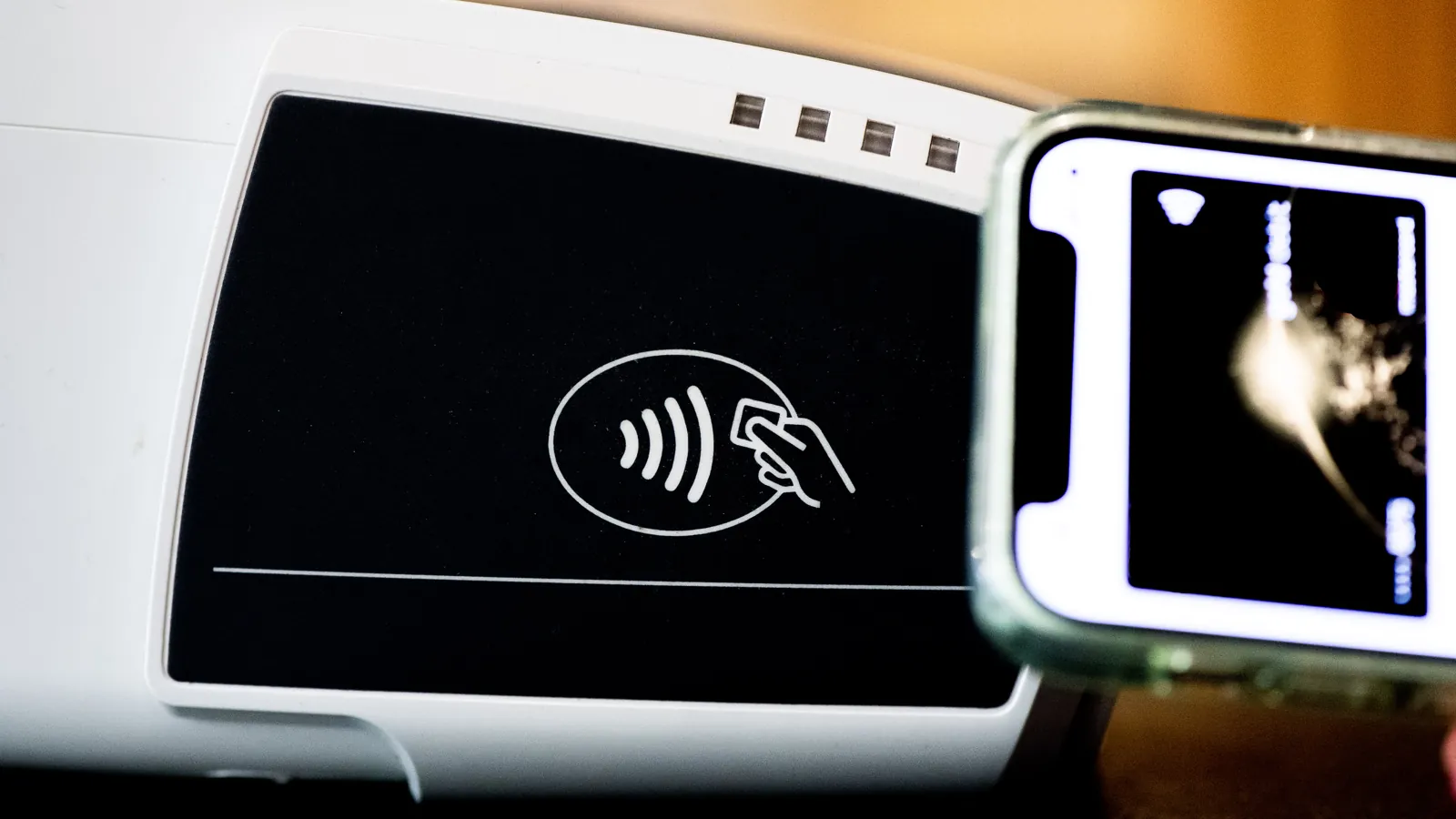
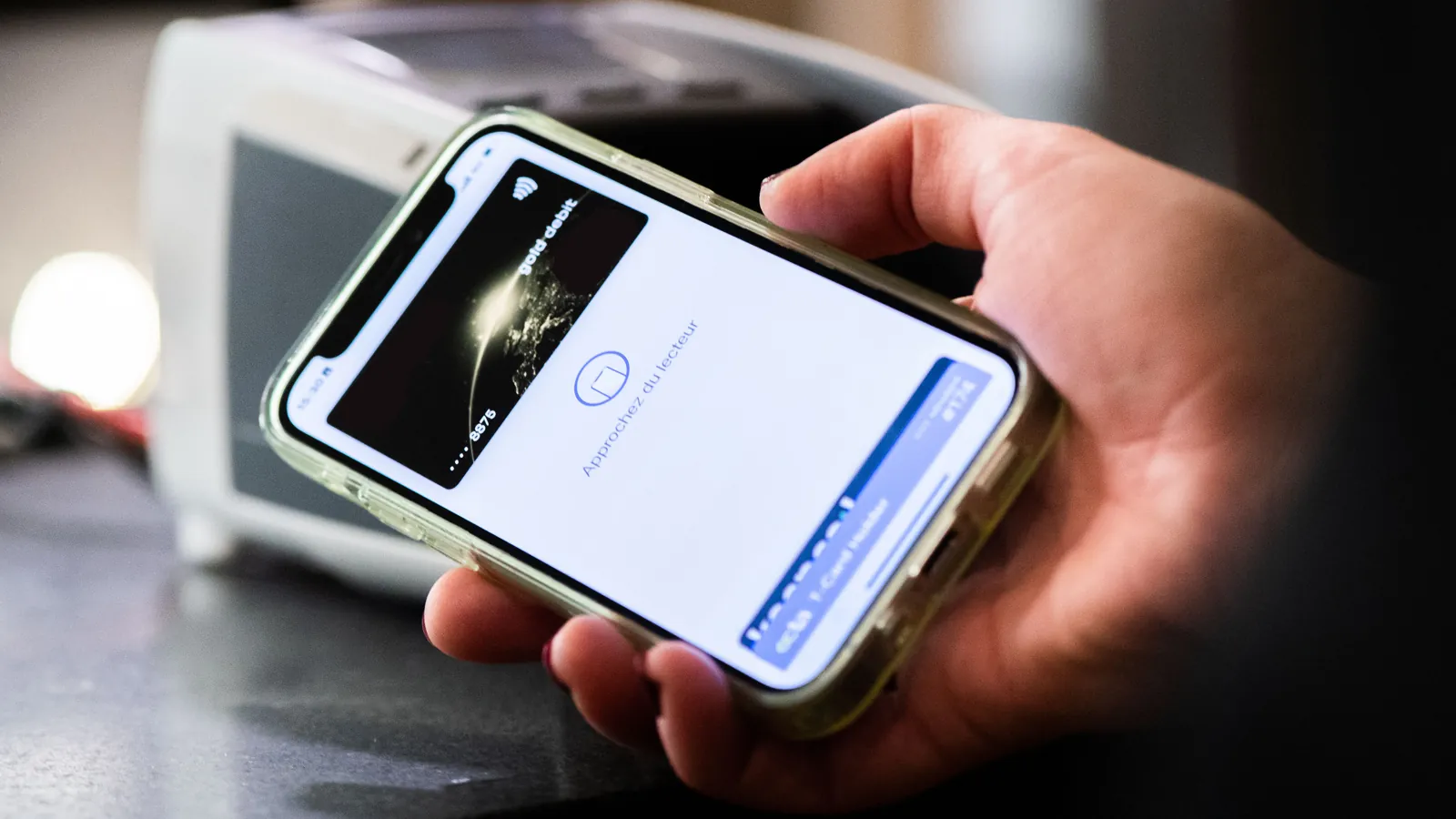
Both people need the app, in the same country. Photo: Rawpixel Ltd, CC BY 2.0, via Wikimedia Commons.
Gift cards inside Cash App
Cash App has offered a feature for sending a digital gift card for a named shop or restaurant from inside the app, as an alternative to plain money. Features like this vary by country and change over time, so look for it in the current version of the app. It is the only kind of "Cash App gift card" that is real: one sent by you, inside the app, for another brand.
Sending smoothly inside the official app
Because Cash App is a direct peer-to-peer payment app rather than a retail store card, gifts are always sent inside the official app rather than through physical top-up cards. Keeping transfers simple comes down to three habits:
- Confirm the $cashtag first by checking the recipient's display name and profile photo before tapping Send.
- Keep PINs and sign-in codes private and manage every transfer inside the official Cash App interface.
- Check current transfer limits and support options in the Cash App Help Center before sending a larger occasion gift.
A direct Cash App transfer arrives straight in the recipient's balance. No extra sign-in link or release step is needed to receive it.
When it is the right gift
- A birthday or graduation for a friend or relative who already uses Cash App.
- Splitting a group present, with everyone paying one organiser.
- Helping a student or family member quickly.
When the recipient does not use the app, lives in another country or is a child, a gift card is the better choice. See gift cards by brand and the comparison in sending money as a gift.
Brand note
Cash App is a trademark of Block, Inc. This page is an independent description of how gifting through the app works. Block does not sponsor or endorse this site. Confirm current features, fees and limits in the app before sending.
Questions readers ask
Can I buy someone a Cash App gift card at a store?
No. Send them money in the app.
Can I send a Cash App gift from the US to the UK?
No. Payments are between accounts in the same country.
Does the recipient pay anything to receive it?
No. They pay a fee only if they choose an instant transfer to their bank.
Can I cancel a payment I sent by mistake?
A completed payment cannot be cancelled. You can request the money back and contact support, but a return is not guaranteed.